Repository navigation
Weather Dashboard
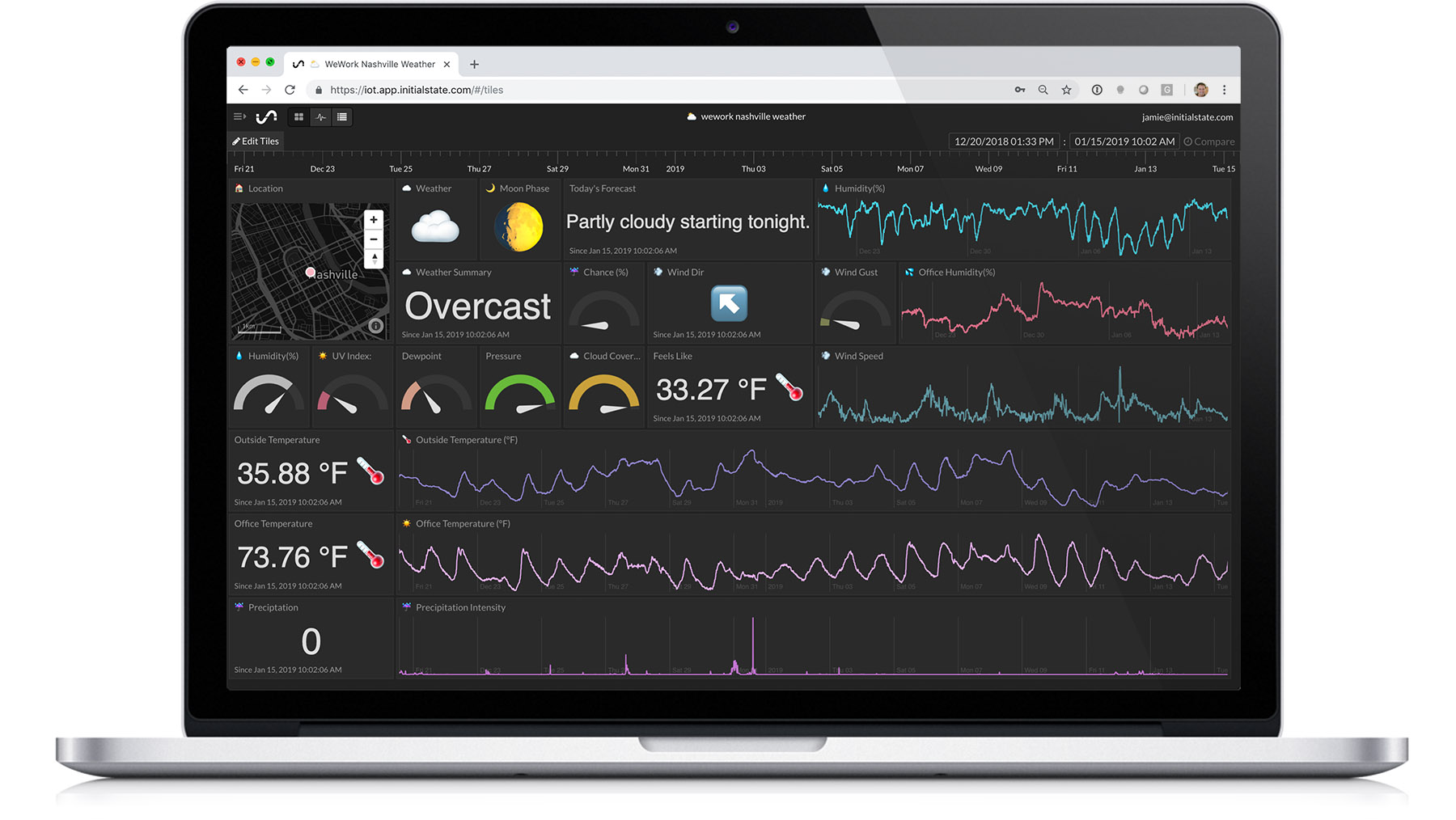
Go to your Initial State account and look at your data. The screenshot of the dashboard above was taken after a month of data collection running at 15 minute intervals. You can edit your dashboard by changing chart types with the cog icon in the top right corner of each tile and by right-clicking on a tile to resize/move it around.
If you want to use the dashboard layout above as your dashboard, you can import this layout into your data bucket by following the instructions here. The public share URL for this dashboard is https://go.init.st/0hw08py.
You can also add a background image to your dashboard. The below image is a custom background we created and can be found on our dashboard design template page. You can import this layout by following the instructions here.
