
A feature-rich KDE Plasma widget designed for controlling Yeelight smart bulbs directly from your desktop panel or system tray.
- Multi-Bulb Management: Support for controlling multiple Yeelight smart bulbs individually from a single interface.
- Automatic Network Discovery: Built-in SSDP scanner to discover local Yeelight devices automatically.
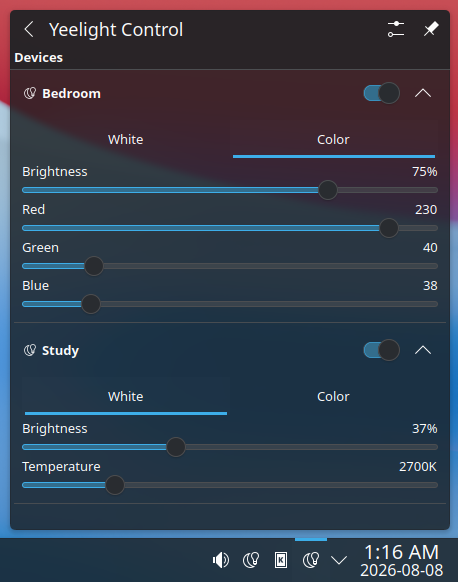
- White & Color Controls: Adjust color temperature (Kelvin) or RGB values alongside full brightness control.
- Tray Icon Integration: Real-time tray icon updates reflecting current aggregate bulb power state.
- Dynamic Expandable Controls: Collapse/expand device controls to save popup space, with interactive controls automatically disabled when bulbs are off.
| Empty State | Auto-Discovery |
|---|---|
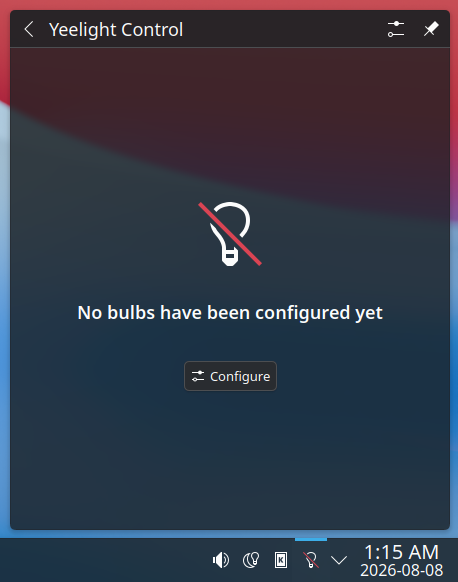 |
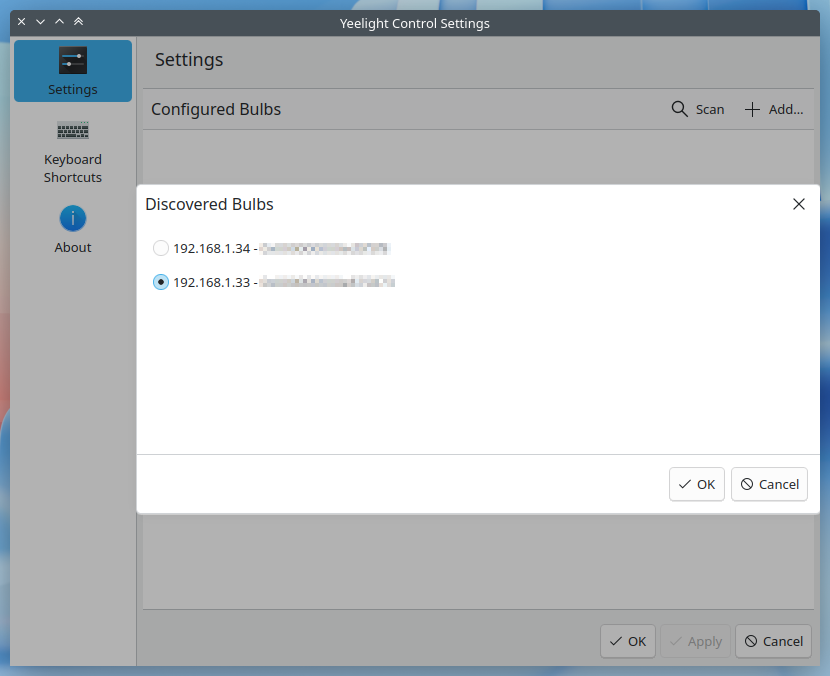 |
| Device Management | Collapsed View | Expanded Controls |
|---|---|---|
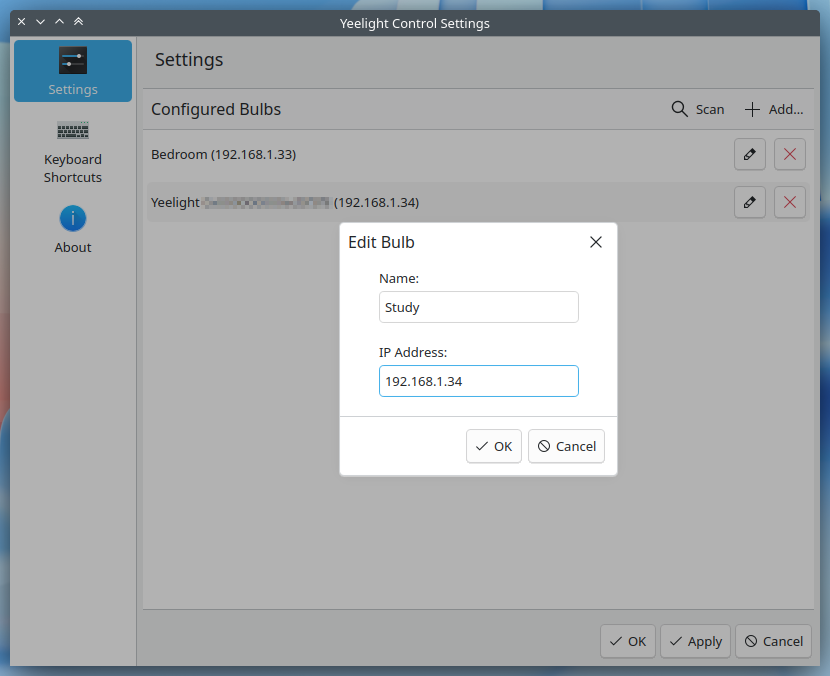 |
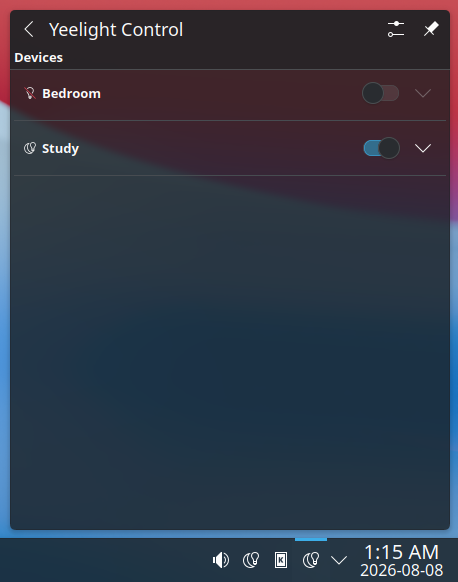 |
 |
- Build Tools: CMake (>= 3.16)
- Frameworks & Libraries:
extra-cmake-modules(ECM >= 6.0)KF6(KDE Frameworks 6)Plasma(>= 6.0)Qt6(Core, Qml, Network)
Ensure LAN Control (Developer Mode) is enabled for each bulb via the official Yeelight mobile application.
git clone https://github.com/efeciftci/plasma-widget-yeelight.git
cd plasma-widget-yeelight

mkdir build && cd build
cmake ..
make
sudo make installAfter installation, restart the Plasma shell to load the C++ plugin and QML components:
kquitapp6 plasmashell || killall plasmashell
plasmashell &- As a Panel Widget: Right-click your panel, select Add or Manage Widgets..., and drag Yeelight Control onto your panel.
- Via System Tray: Right-click the System Tray, choose Configure System Tray..., enable Yeelight Control under the Entries tab, and access it directly from your system tray icons.
- Initial Setup: Click Configure inside the widget or open its settings page to scan your local network for active bulbs or manually add bulb IP addresses.
This project is licensed under the GNU General Public License v2.0 or later. See the LICENSE file for details.