Repository navigation
Inline commit logs #4713
Answered
by
stefanhaller
HugeLetters
asked this question in
Q&A
Inline commit logs
#4713


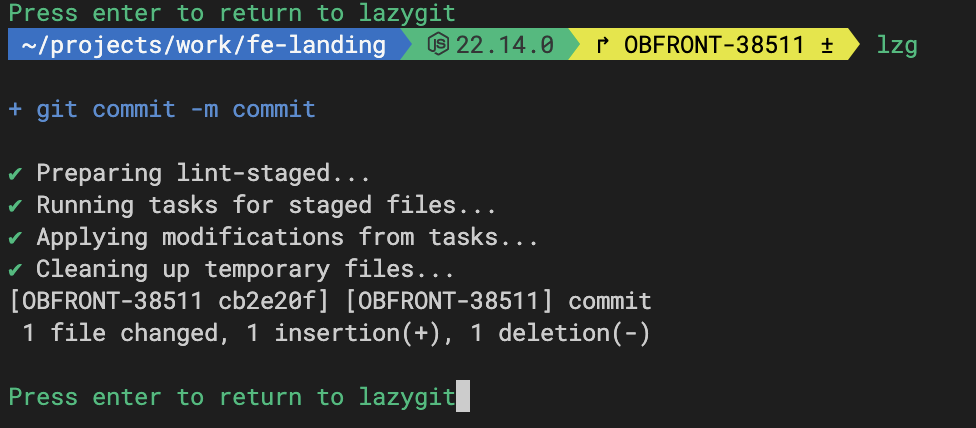
Previously when committing these sorts were shown in the logs pane - now after updating recently it hides lazygit and shows me logs separately. Is there a way to disable that? |
Answered by
stefanhaller
Jul 8, 2025
Replies: 1 comment 1 reply

|
Lazygit hides itself in this way when you have commit signing enabled ( git:
overrideGpg: trueto your lazygit config file to prevent lazygit from suspending itself. |
1 reply

|
thanks! right, I forgot I got gpg recently enabled too |
Answer selected by
HugeLetters
Sign up for free
to join this conversation on GitHub.
Already have an account?
Sign in to comment


Lazygit hides itself in this way when you have commit signing enabled (
commit.gpgSign). It does this because it needs to allow for the gpg signing to prompt you for a pass phrase if needed; it can't know whether or not you will have to type one. If you know you will never be asked for a passphrase because you have a gpg agent running, then you can addto your lazygit config file to prevent lazygit from suspending itself.