Animated recordings of tmux-popup-control driving a real tmux display-popup, captured with asciinema inside a Linux container and rendered
to animated GIF. Each demo is 160×45 and loops continuously.
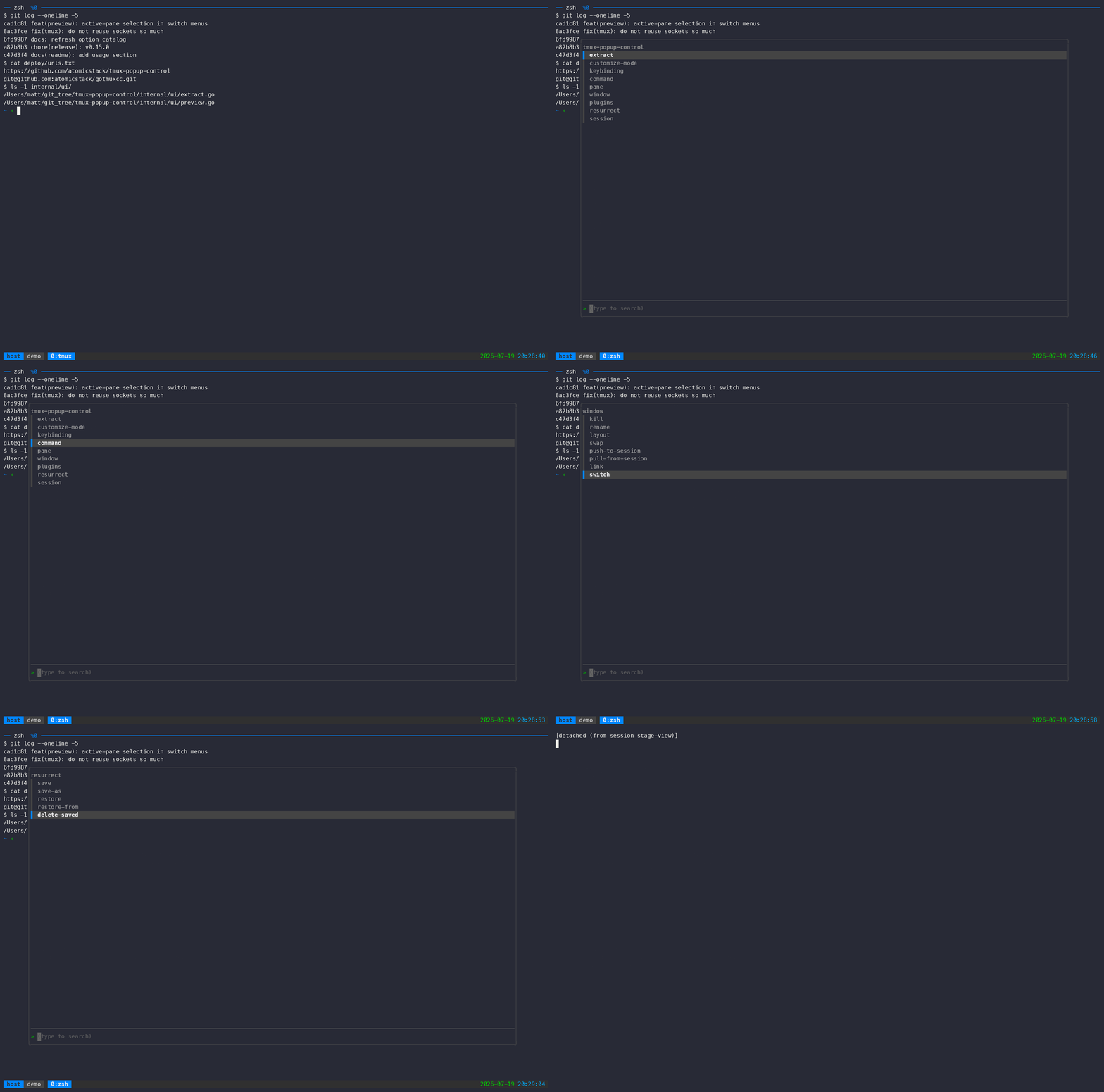
Open the root menu with prefix + Space and step into each submenu in turn —
extract, keybinding, command, pane, window, plugins, resurrect, session.
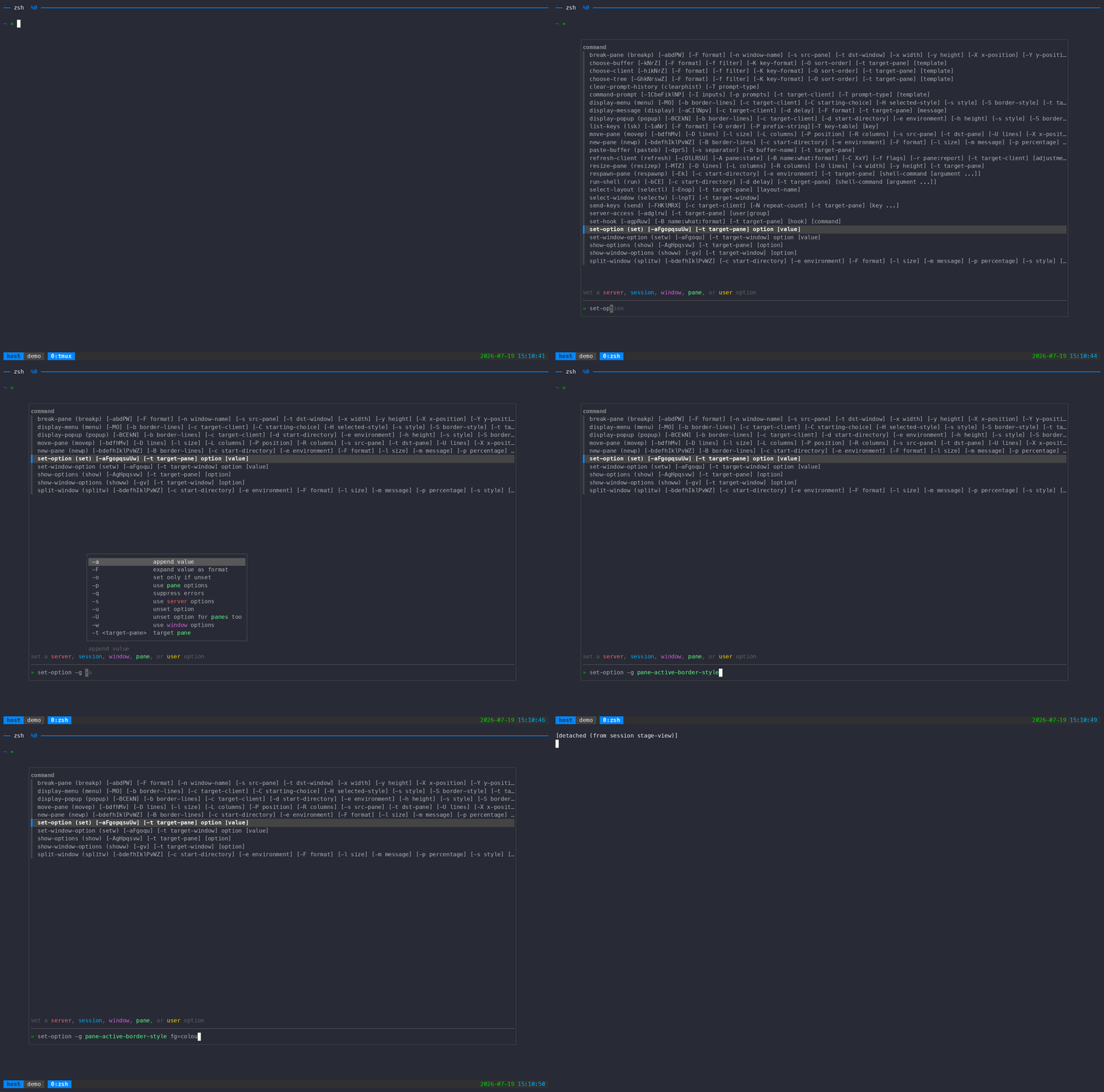
prefix + : — type a short prefix, tab-complete the option name from the
built-in option catalog, give it a colour value, and run it. The active pane
border recolours on the spot.
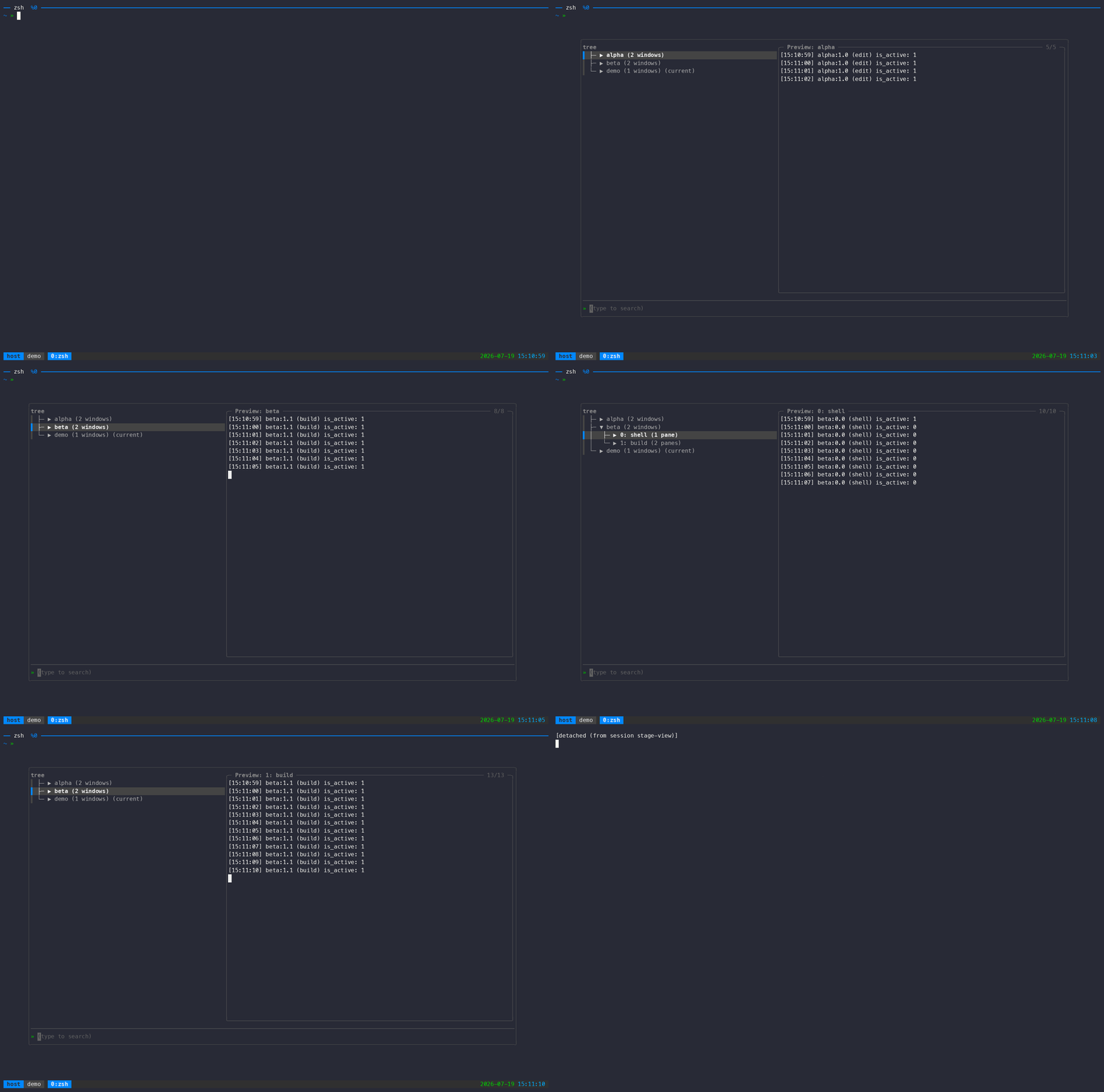
prefix + s — browse sessions, windows, and panes as a hierarchical tree.
The preview panel follows the cursor, showing live pane content.
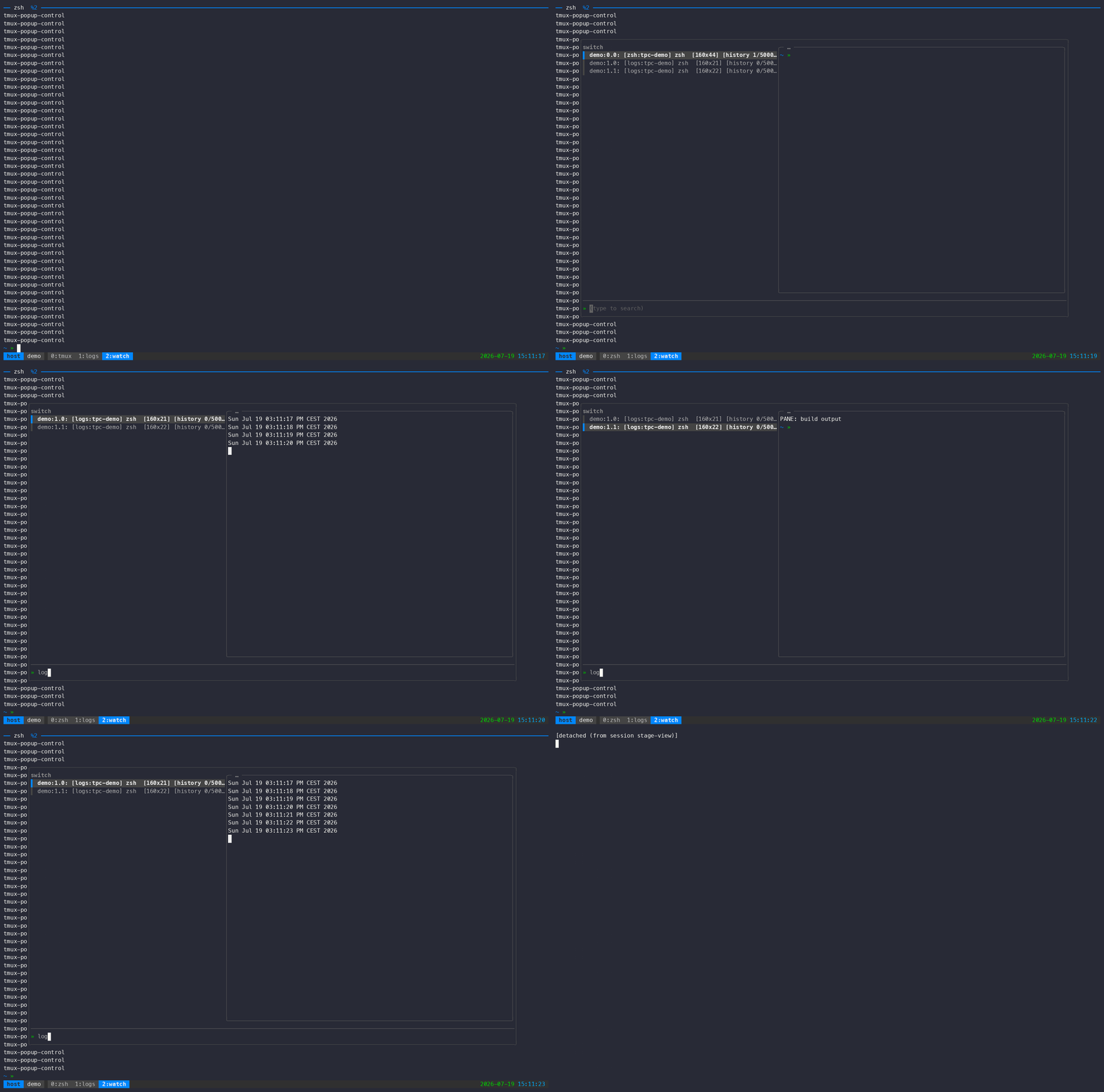
prefix + f — fuzzy-filter panes as you type; an async capture-pane preview
panel on the right updates to show the highlighted pane.
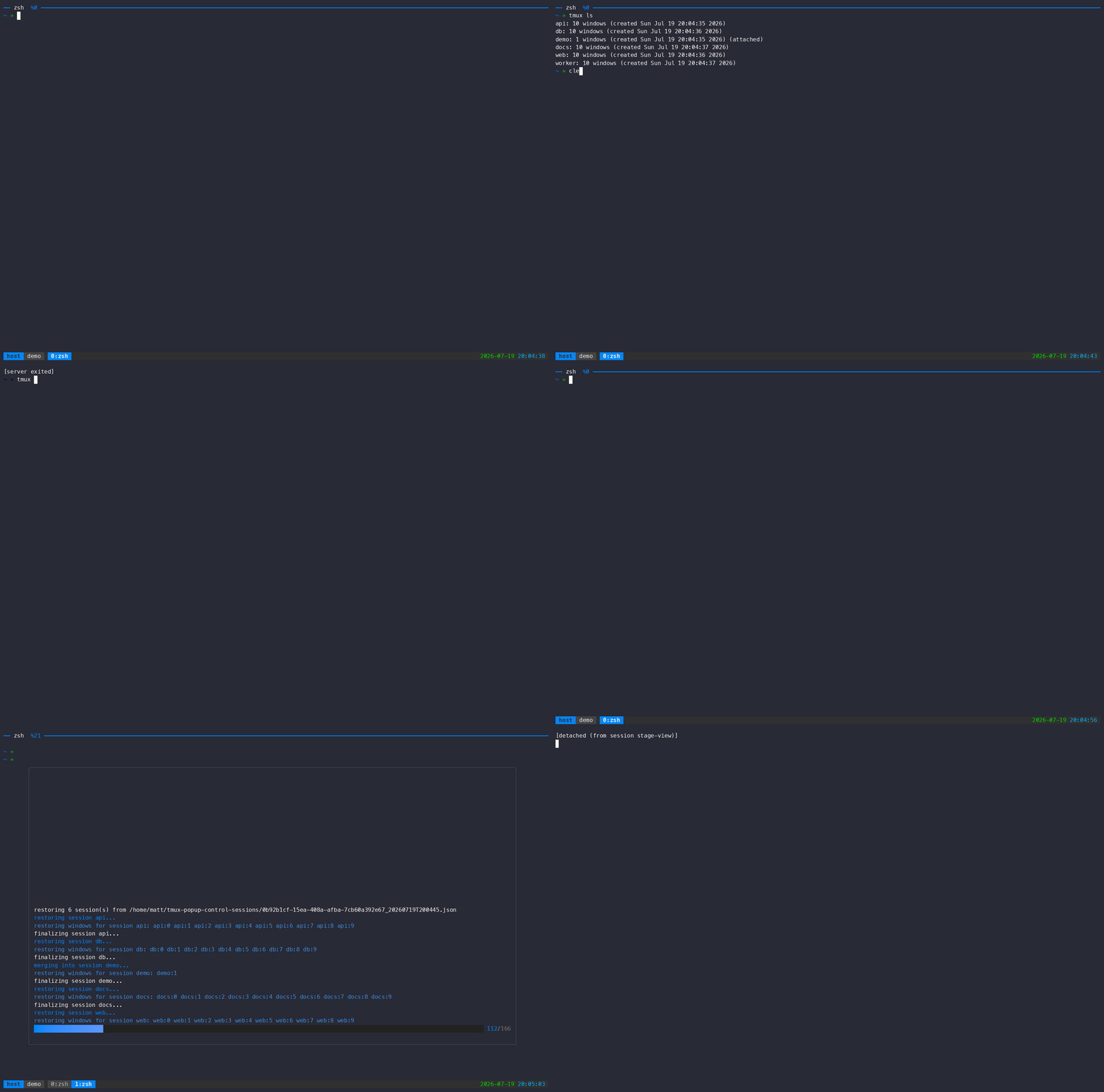
prefix + C-s / prefix + C-r — snapshot a busy server (five sessions, ten
windows each) with an animated progress bar, kill the whole tmux server, then
restore everything from the snapshot — pane contents included.
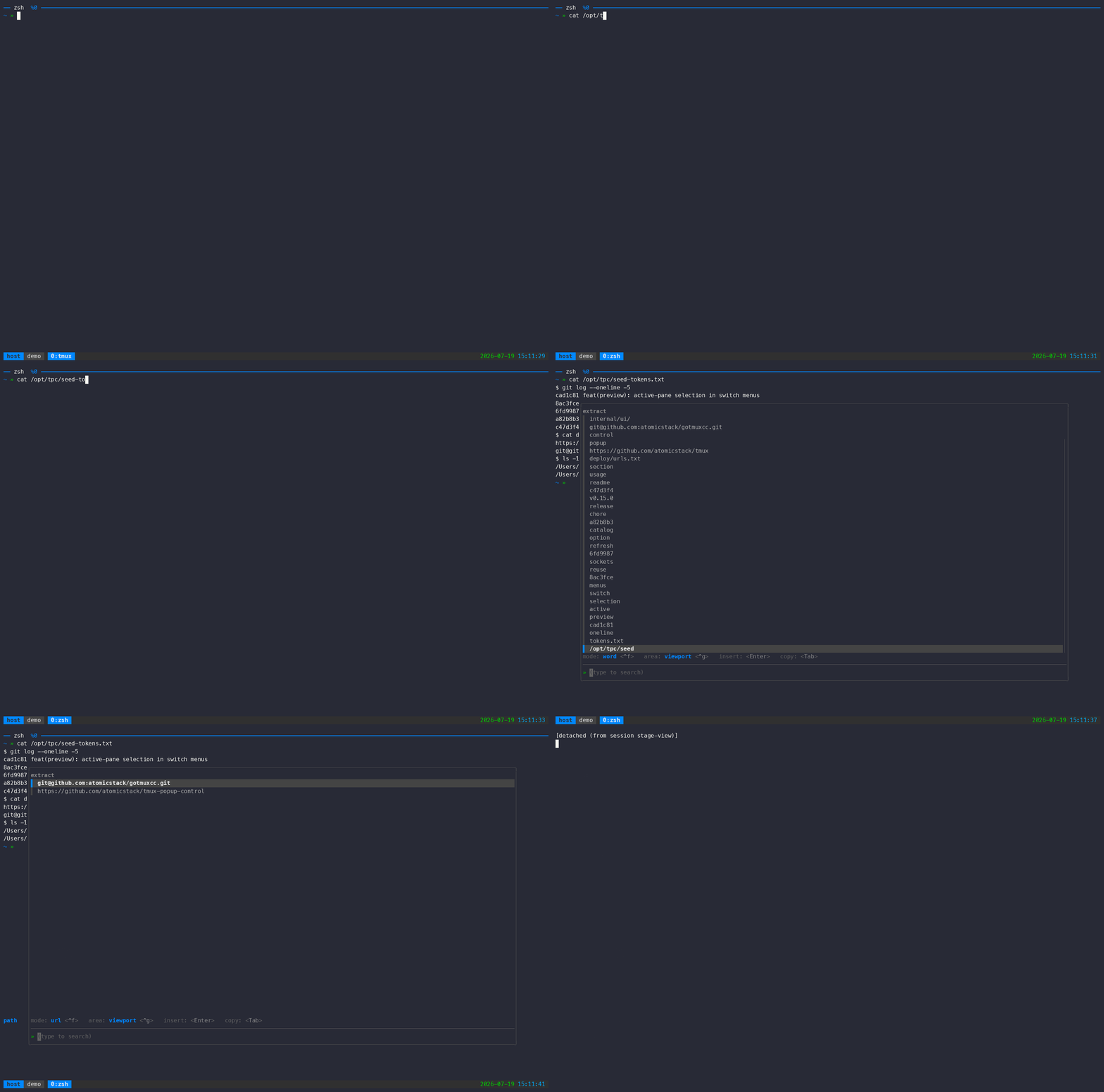
prefix + Tab — extrakto-style token grabber: capture the pane, cycle the
token mode to url with ctrl-f, fuzzy-filter, and insert the selection at
the prompt with enter.
The recordings live on the demo-svg
orphan branch (SVG, GIF, and MP4 renders) so the main branch's history stays
lean; they are regenerated by the demo harness and force-pushed on
re-recording.